
Velocispider1.6 - App Store
You'll be able to see results in few seconds.
Publisher Description
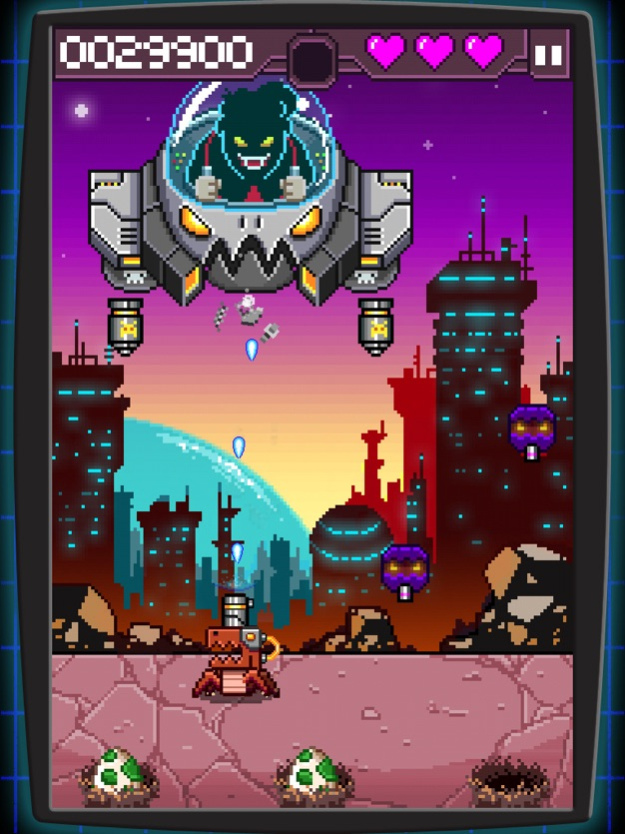
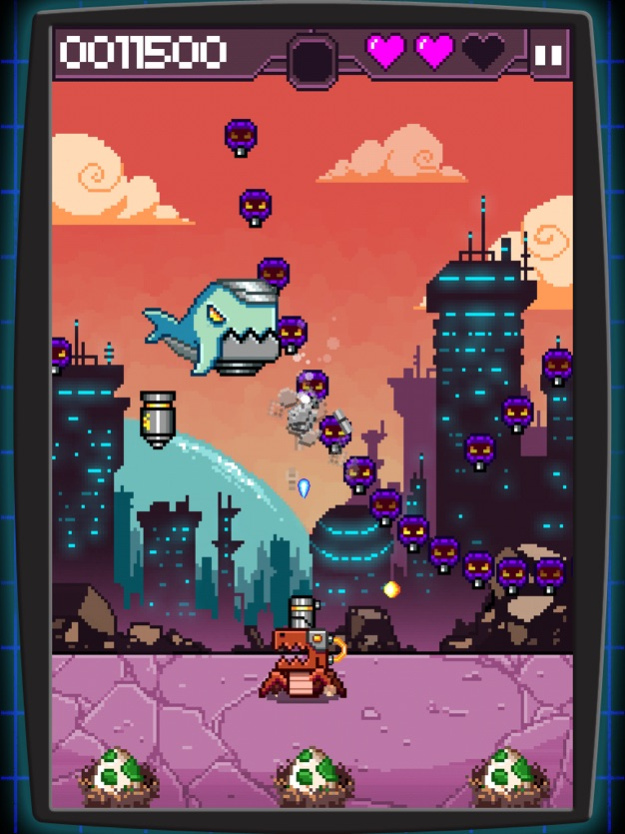
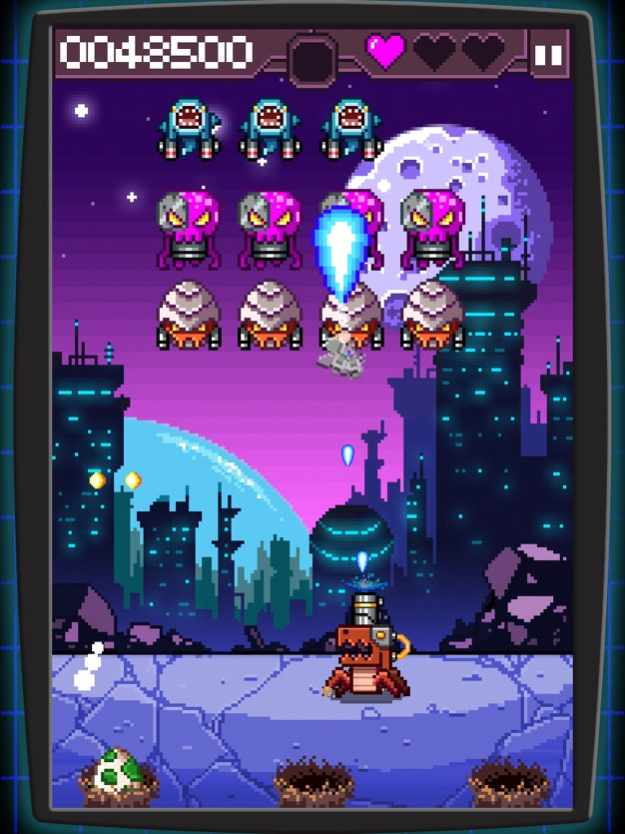
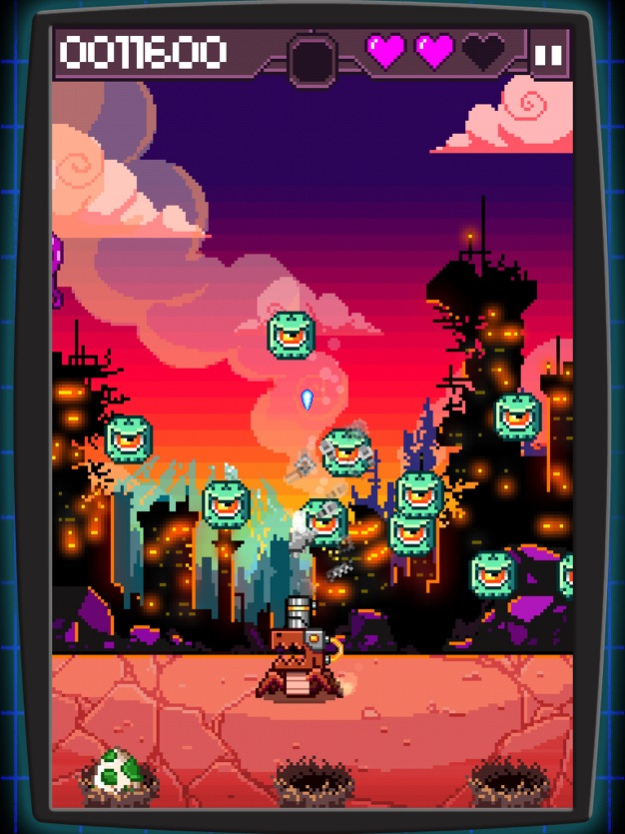
"The best dinosaur spider cyborg game ever created." - IGN
Part Spider, Part Velociraptor, it's Velocispider!!! Take control of a heavily armed araknasaur in this retro arcade shoot-em-up.
Your delicious endangered eggs have attracted the taste buds of the evil CEO of the Robot Seafood Corporation. He will stop at nothing to feast on your eggs, defend them from his relentless army of aquatic robot beasts.
IGN: "The best dinosaur spider cyborg game ever created."
Touch Arcade: "Velocispider is a ton of fun. The game is gorgeous, in a pixel art and chiptune sort of way. The art is full of character, and that character is super ridiculous. I can't decide if I love the drop sharks (manta rays?) or the bomber whales more."
Games Radar: "It's a simple arcade-like shooter, but Velocispider's sharp aesthetics and approachable play mechanics make for a stellar iOS experience that's an easy recommendation on both iPad and iPhone."
In your arsenal:-
Awesome power ups
Game Center leaderboards
Sweet pixel art
Thumping tunes
Smooth tilt controls
Game Center achievements
Retina & Universal app support
May 4, 2018
Version 1.6
This app has been updated by Apple to display the Apple Watch app icon.
Maintenance issue, fixed some issues with modern devices.
About Velocispider
The company that develops Velocispider is Retro Dreamer. The latest version released by its developer is 1.6.
To install Velocispider on your iOS device, just click the green Continue To App button above to start the installation process. The app is listed on our website since 2018-05-04 and was downloaded 0 times. We have already checked if the download link is safe, however for your own protection we recommend that you scan the downloaded app with your antivirus. Your antivirus may detect the Velocispider as malware if the download link is broken.
How to install Velocispider on your iOS device:
- Click on the Continue To App button on our website. This will redirect you to the App Store.
- Once the Velocispider is shown in the iTunes listing of your iOS device, you can start its download and installation. Tap on the GET button to the right of the app to start downloading it.
- If you are not logged-in the iOS appstore app, you'll be prompted for your your Apple ID and/or password.
- After Velocispider is downloaded, you'll see an INSTALL button to the right. Tap on it to start the actual installation of the iOS app.
- Once installation is finished you can tap on the OPEN button to start it. Its icon will also be added to your device home screen.
Program Details
System requirements
Download information
Pricing
Version History
version 1.6
posted on 2018-05-04
May 4, 2018
Version 1.6
This app has been updated by Apple to display the Apple Watch app icon.
Maintenance issue, fixed some issues with modern devices.
version 1.5.1
posted on 2011-06-01
Disclaimer
Official App Store Link
We do not host Velocispider on our servers. We did not scan it for viruses, adware, spyware or other type of malware. This app is hosted by Apple and passed their terms and conditions to be listed there. We recommend caution when installing it.
The App Store link for Velocispider is provided to you by apps112.com without any warranties, representations or guarantees of any kind, so access it at your own risk.
If you have questions regarding this particular app contact the publisher directly. For questions about the functionalities of apps112.com contact us.
